
The most common worry I hear from business owners thinking about a new website: "Will I lose my spot on Google?" It's a fair question. A redesign done carelessly can wipe out years of search visibility in a week. Done properly, it usually does the opposite. Here's the checklist I follow on every redesign, whether the old site is on Wix, Squarespace, WordPress or something else.
Why redesigns lose rankings
It's rarely the new design itself. Rankings drop because old page addresses vanish without being redirected, content that ranked gets cut, page titles are replaced with something vaguer, or the new site launches while still blocked from search engines. Every one of those is avoidable.
1. Benchmark before you touch anything
Before the old site comes down, export your top pages and search queries from Google Search Console, and note where you show up for the searches that matter most, like your main service plus your city. If you don't have Search Console set up, do that first. You can't protect what you haven't measured.
2. List every page on the old site
Include the pages that aren't in your menu: old blog posts, landing pages, PDF links and anything Google has indexed. Search site:yourdomain.ca on Google to see what's there. Pages you've forgotten about are often the ones still bringing in visitors.
3. Keep your addresses where you can
If a page already ranks at /massage-therapy, the simplest move is to keep it at /massage-therapy. Change URLs only where the new structure is genuinely better, for example splitting one crowded services page into a page for each service.
4. Build a 301 redirect map
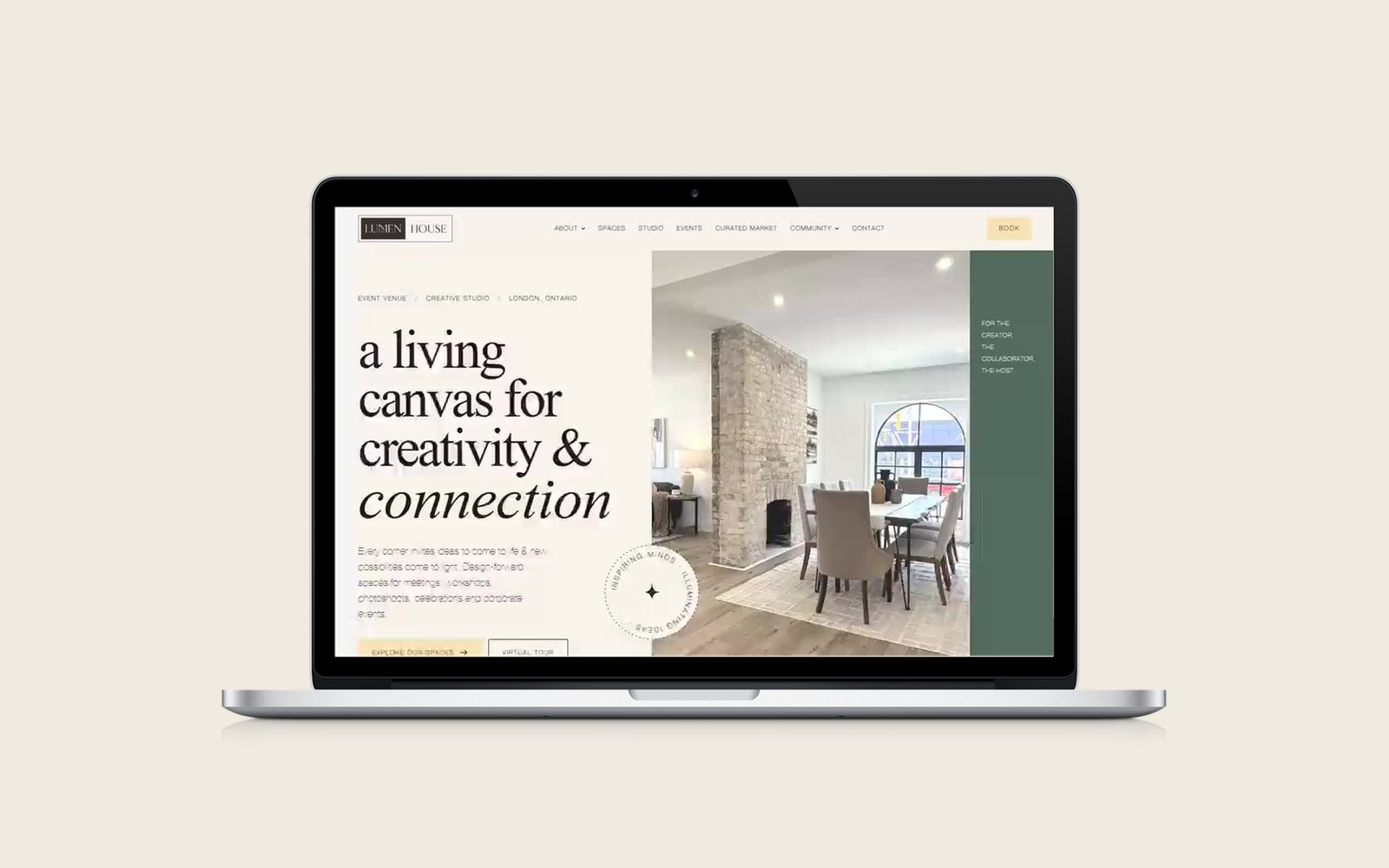
For every old URL that changes, set a permanent (301) redirect to its closest new page, not just to the homepage. This passes along the trust the old page earned and keeps old links and bookmarks working. When I rebuilt Lumen House from a Squarespace template into a custom site, a full redirect map was part of the launch, so nothing that was already found on Google led to a dead end.
5. Carry over the content that ranks
A redesign is a good time to rewrite, but don't delete the words that are working. If a page ranks well, keep its core topic and key phrases, then improve it: clearer headings, more useful detail, better photos.
6. Upgrade titles, descriptions and structured data
This is where a redesign can lift your rankings. Make sure every page has a title that names the service and the city, a meta description written for people, one clear main heading, alt text on images, and structured data describing your business.
7. Don't launch while hidden
Staging sites are usually blocked from search engines on purpose. Make sure that block comes off at launch. It sounds obvious, but it's one of the most common reasons a new site vanishes from Google.
8. Check everything after launch
- Test your old URLs and confirm each one redirects to the right page
- Submit the new sitemap in Google Search Console and Bing Webmaster Tools
- Update the website link on your Google Business Profile and social profiles
- Watch Search Console for errors and indexing issues over the next four to eight weeks
A small, short dip while Google re-crawls a new site is normal. A steep or lasting drop usually points to a missed redirect or a blocked page, and both are fixable.
Is it time for a redesign?
If your site is slow, hard to update, or not bringing in enquiries, a redesign is often worth it, and you don't have to give up the visibility you've built. If you're weighing whether to stay on a builder, my post on Wix, Squarespace or a custom website walks through it.
Thinking about a redesign?
Every website redesign I take on includes this checklist, from the redirect map to the post-launch checks, for businesses in London, across Southwestern Ontario and anywhere in Canada.
Book a Free Consult